



















SayCode

Manage all the AI in your company in one place

Brings subscriptions and APIs scattered across departments into one control plane. You see who uses which model and how much, and code and prompts stay as assets on execution machines your company designates.

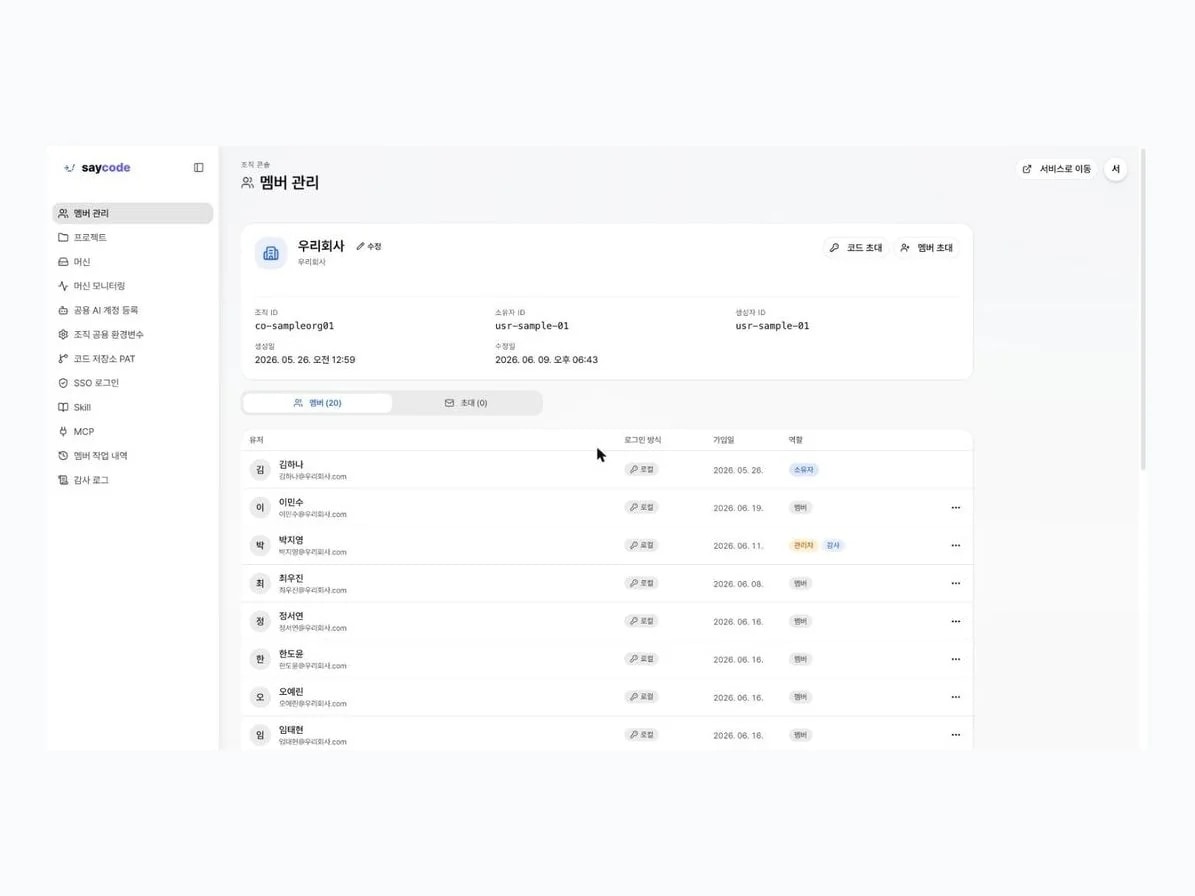
SayCode organization console member management screen

More teams are building their own tools

Admin, sales, customer support, and HR teams built the screens they needed and published them to internal URLs. Buzzni, which has run commerce-specific AI for years, is also proving it out as an internal work tool.

Shinsegae Live Shopping
Shinsegae Duty Free
Shinsegae
Pulmuone
SK stoa
kt alpha shopping
Home&Shopping
ShoppingNT
Samsung Card
Samsung Electronics
W Shopping
POSCO IH
Hyundai Home Shopping
CJ ONSTYLE
Hyundai Home Shopping Plus Shop
CJ ONSTYLE Plus
aboutPet
Re:think
WENDY Media & Studios
Shinsegae Live Shopping
Shinsegae Duty Free
Shinsegae
Pulmuone
SK stoa
kt alpha shopping
Home&Shopping
ShoppingNT
Samsung Card
Samsung Electronics
W Shopping
POSCO IH
Hyundai Home Shopping
CJ ONSTYLE
Hyundai Home Shopping Plus Shop
CJ ONSTYLE Plus
aboutPet
Re:think
WENDY Media & Studios

What you build stays with the company

When the person in charge changes, work in personal accounts leaves the company with them. Work in SayCode stays with the company.

Work that scatters when used individually

Used individually, it scatters

  • Output stays on personal PCs and accounts, so the team can't pick it up
  • Only the creator knows where the reference materials are
  • Prompts used for work aren't recorded and leave with the person
  • When the person in charge changes, their work leaves the company
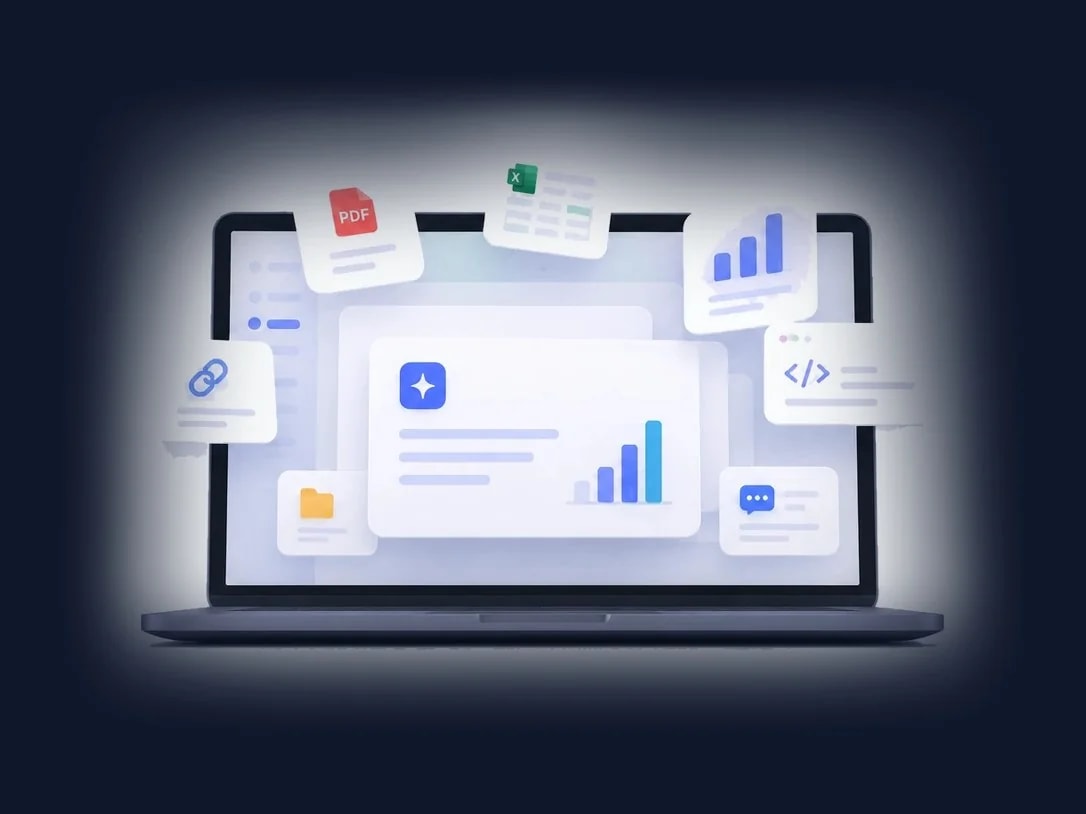
Work that builds up when used by the company

Used by the company, it builds up

  • In one company-managed place, you see who builds and uses what
  • What one person builds, the whole team can use as is
  • Colleagues pick it up, refine it together, and ship it safely after review
  • It goes live on an internal URL. You get the link to open it right there

From building to deployment, in one workspace

It starts with a one-sentence request, goes live on an internal URL, and the whole process is recorded for the company. Accounts, models, and costs are managed within the limits your company sets.

Internal deployment

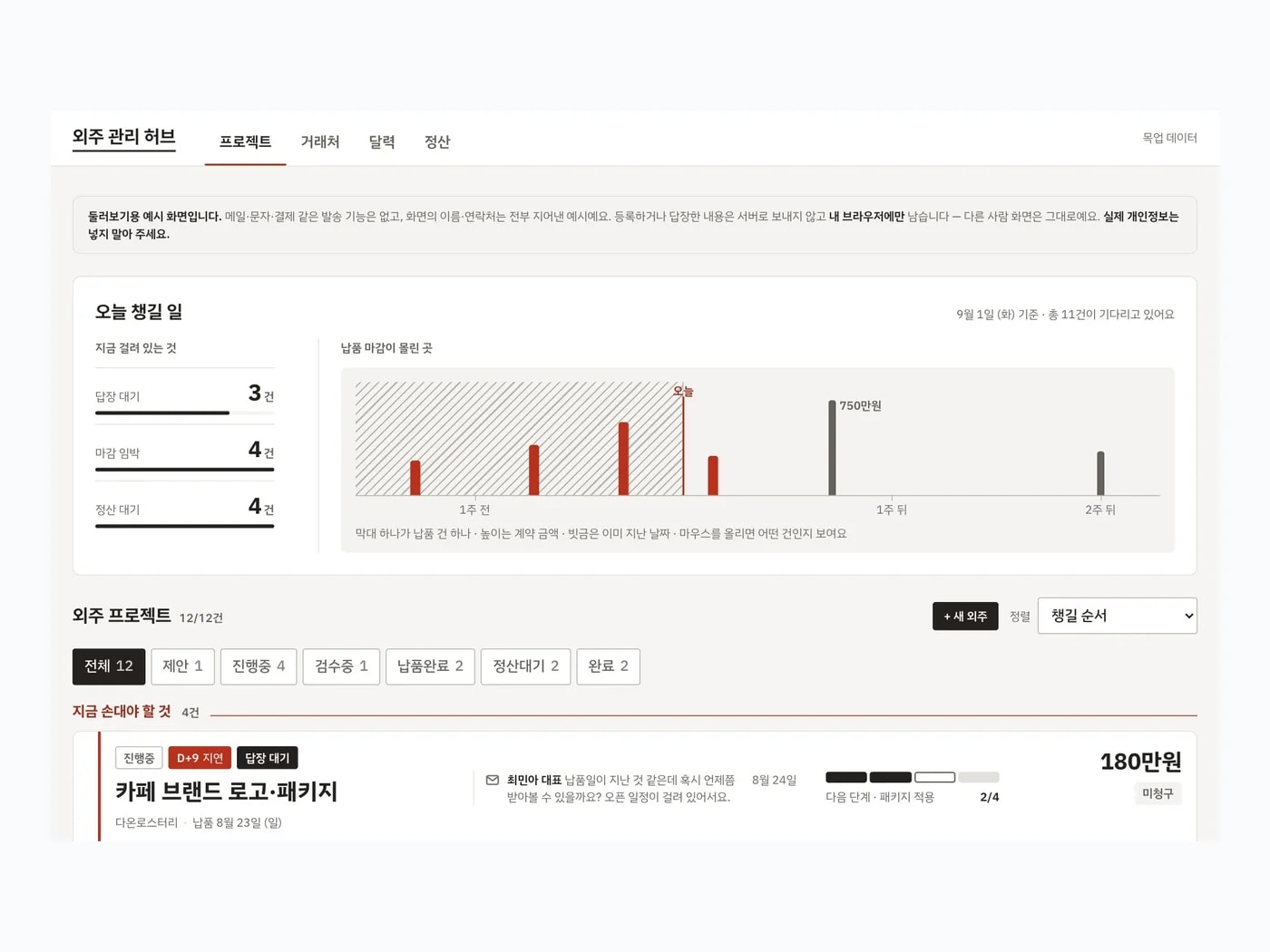
Say it, it gets built, and it goes live on an internal URL

One sentence is all it takes. Write "Show me all our outsourced work on one screen, with progress and settlements," and you get an internal URL that opens the finished screen right there.

Internal deployment screen

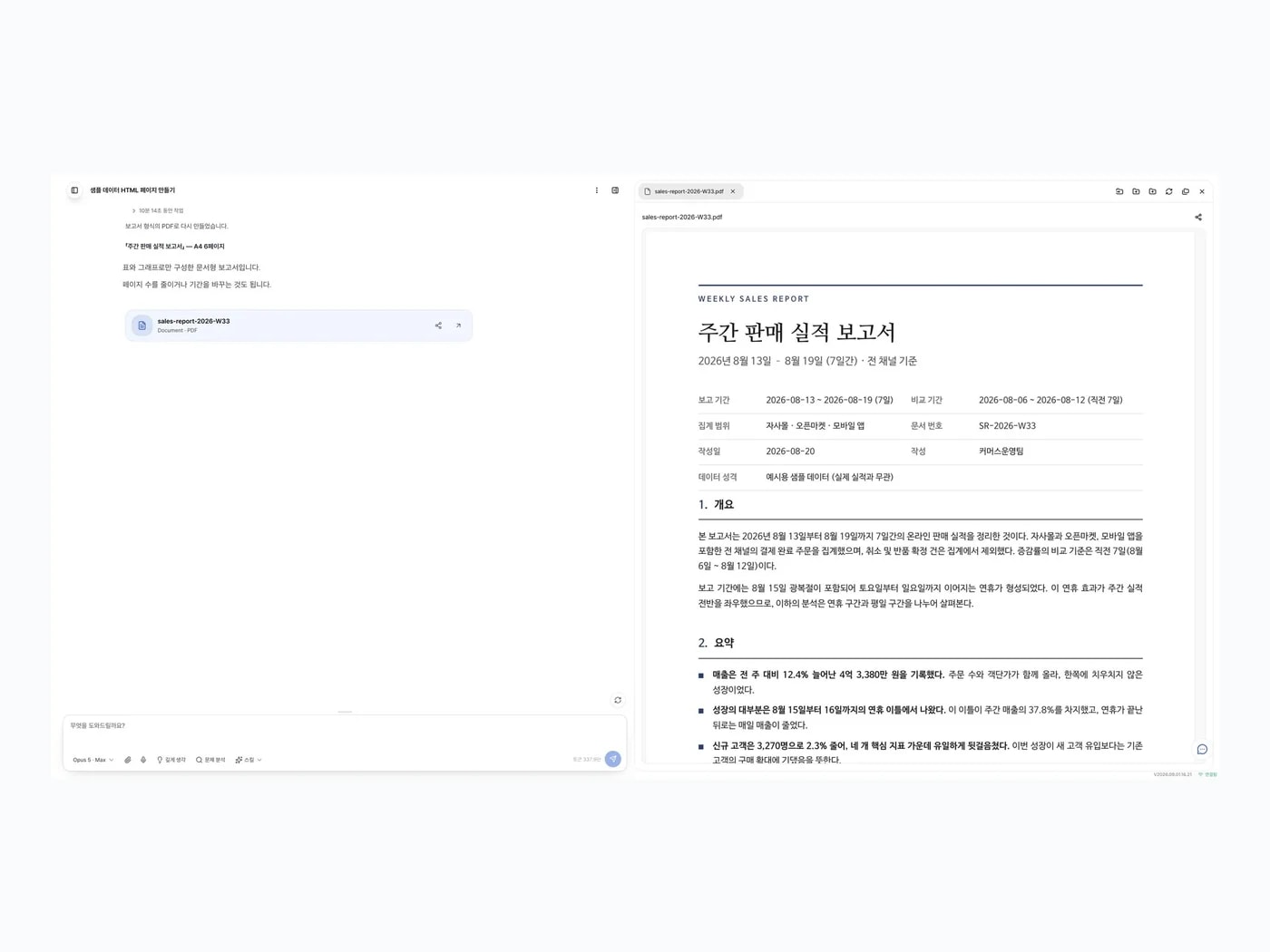
Chat

Your everyday work, in SayCode

Chat just like the AI you already use. Upload PPTs, PDFs, spreadsheets, and documents to summarize, organize, and edit, and ask about company data in plain language without knowing SQL. Once the direction is clear, the conversation carries straight into building.

Chat screen with live preview

Company assets

What you build and the prompts you use stay with the company

The work process is recorded automatically as markdown memory. It stays on machines the company runs, so even when people change departments or leave, their code, prompts, and planning documents become the starting point for other teams.

Screen turning code and prompts into company assets

AI costs

Cut AI costs in half

Manage and adjust AI subscriptions and API usage in one place. Auto mode picks the model suited to each task's difficulty, and work guides built on Buzzni know-how cut unnecessary usage. Across Buzzni's 35-person engineering organization, monthly AI execution costs fell 49%.

Auto mode model selection diagram

Security and permissions

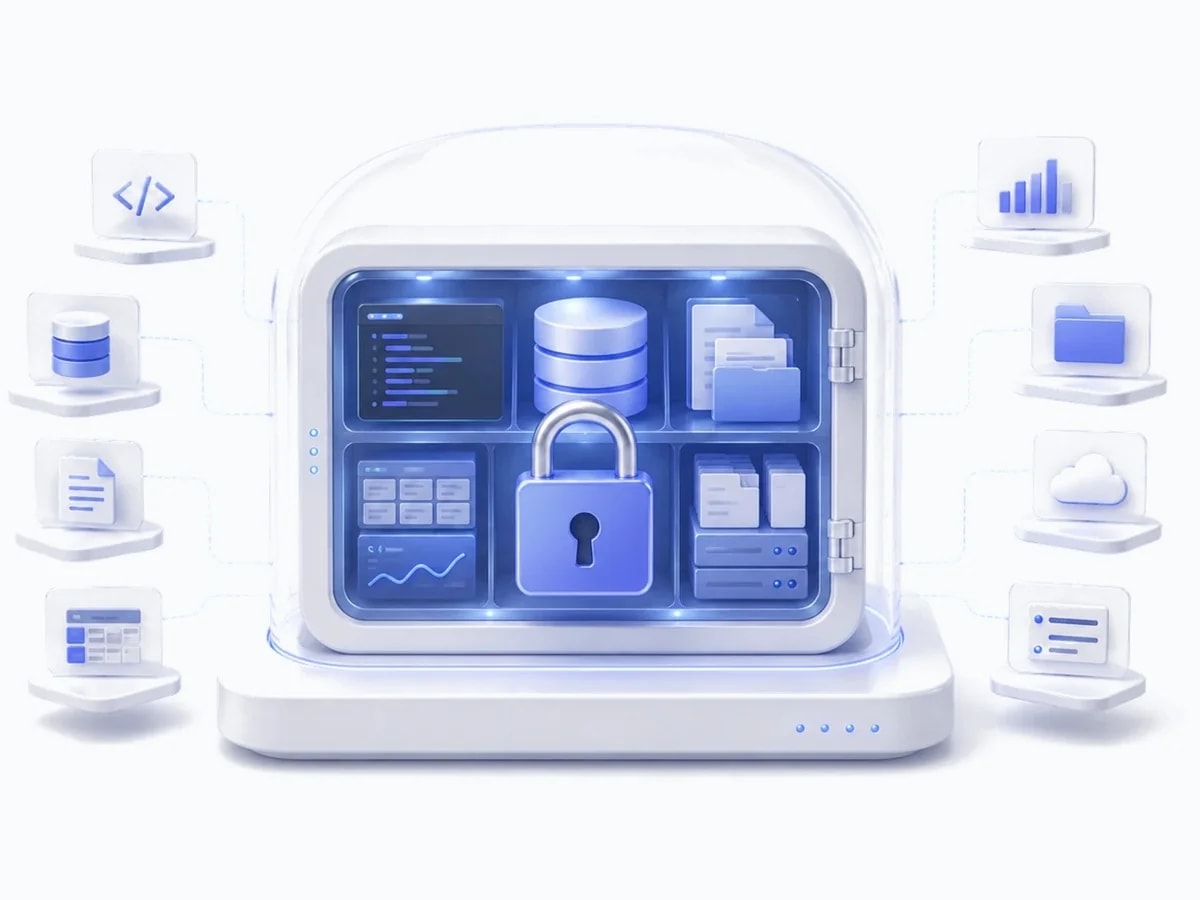
Code and data stay inside the company

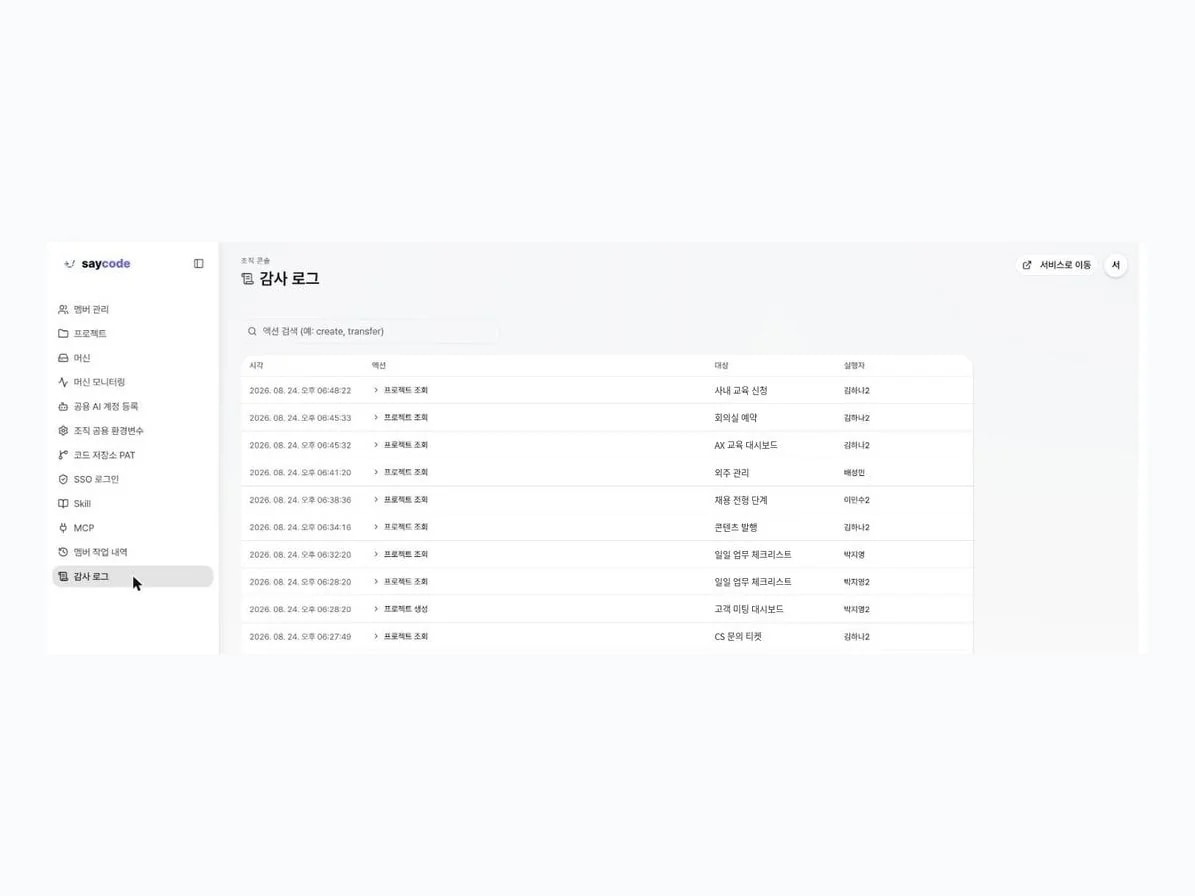
Apps, code, and deployments run on computers your company manages, and external AI models come in only through a single encrypted channel the company approves. The company grants and revokes accounts, and every action is logged with who did what and when.

Audit logs and permission management screen

Build more on a smaller budget, and keep the results in the company

Connect the AI contracts you already have, handle the same work with fewer tokens, and the code and prompts you create build up in the company.

CONTROL PLANE

Subscriptions and APIs under one policy

  • Contracts scattered across departments in one control plane
  • Users, models, costs, and audits on the same criteria
  • Same user experience whether it's a subscription or an API key
DATA SOVEREIGNTY

You designate the execution machines

  • Code and output reside on machines you designate
  • Conversations are end-to-end encrypted, unreadable even to the operator
  • Only selected context is sent with model calls
COMPANY ASSET

Code and prompts build up in the company

  • Work context recorded automatically as markdown memory
  • Planners and developers work together in one project
  • A starting point for other teams even when people change
IN PRODUCTION

Proven inside Buzzni

  • Buzzni's 35-person engineering organization runs on SayCode
  • Monthly AI execution costs cut 49% (internal measurement, June to July 2026)
  • Has passed enterprise pilots and security reviews

Frequently asked questions

Find answers to common questions before you get started.

Seats are for members who work, review, and approve directly in SayCode. End users who only use deployed apps or report URLs don't need a seat. Seats are named seats.

See it with your own products

Use your real data to see what changes before and after SayCode.